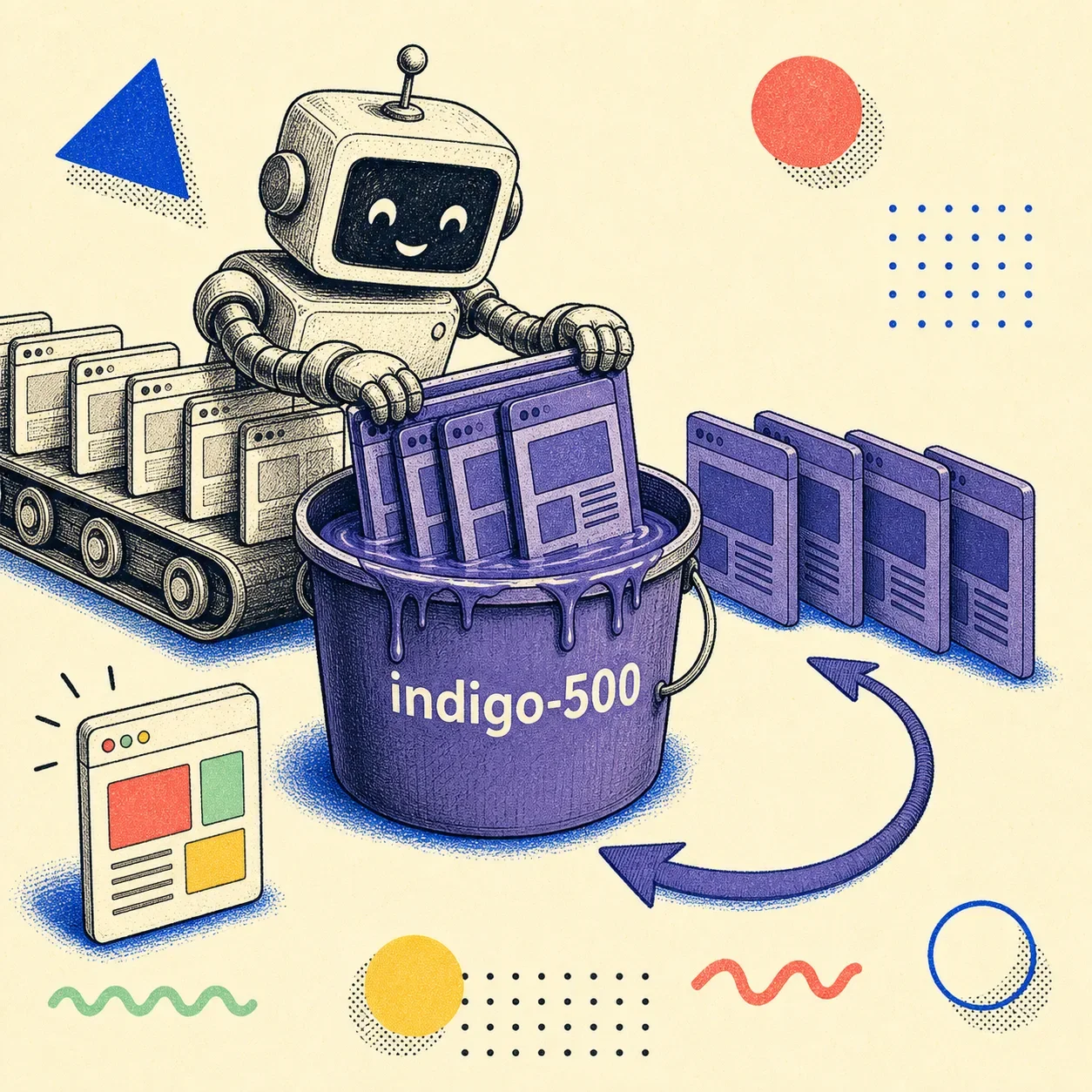
AI-built websites are purple because of one default accent color in Tailwind UI, indigo-500, that got copied into enough public code to teach AI models that "purple is what buttons look like." The color was never a design decision. It was a placeholder. It just happened to land in the training data of every model that now builds your UI.
If you've prompted an AI tool for a website lately, you've seen it: the indigo-to-violet gradient hero, the glass cards, the glowing purple button. It's the most recognizable tell of AI design slop, and the story of how it happened is a small masterclass in how defaults become destiny.
The placeholder that ate the web
Tailwind CSS is the most popular styling framework on the web. Its commercial component library, Tailwind UI, needed a default accent color for buttons, links, and highlights in its demos. Adam Wathan, who created Tailwind, picked indigo — by his own later account, a "neutral, inoffensive placeholder that worked well in demos." Not the best color for a call-to-action. Not the result of color theory.
Just a safe default that looked fine in a screenshot.
That's a completely reasonable choice for a component library. Defaults exist so you don't have to decide everything. The problem is what happened next.
How a default becomes a law
Language models learn what's normal by counting. Train one on billions of tokens of web code scraped between roughly 2019 and 2024 — the years Tailwind ate front-end development — and a disproportionate share of every "button," "card," and "hero" example uses bg-indigo-500. The model doesn't know indigo was a placeholder. It learns a statistical fact: purple is what web buttons look like.
Then the loop closes. AI tools generate purple sites. Those sites get published. They become training data for the next model.
The bias deepens. Wathan's 2025 tweet half-owning the whole thing racked up over a million views, which tells you how many people had quietly noticed the same purple staring back at them.
So the color you see isn't taste. It's a frequency count with a feedback loop.
Purple is just the part you can see
Worth sitting with: indigo is the visible symptom of a much more general mechanism. AI models don't reach for purple because they like it. They reach for it because generative models regress to the mean by construction, and purple is the mean.
The same force shows up everywhere in AI output, it just isn't as obvious as a color:
- Model collapse (Nature, 2024): when models train on AI-generated data, they lose the rare, distinctive choices first. The weird, good ideas die before the average ones do.
- Typicality bias (Verbalized Sampling, 2025): the humans who rate AI outputs during training quietly prefer the familiar option. Preference tuning then sharpens the model toward whatever feels typical. Safe scores well. Surprising scores badly.
Indigo just happens to be the one tell you can spot from across the room. The glass cards, the three-column grid, the Inter everywhere — same root cause. The model is averaging, and the average of the last five years of web design is a purple gradient.
So whose fault is it?
Not the model's, exactly, and not Tailwind's. Indigo was a fine default. The model did what models do. The actual gap is that nobody told it to be different, and nothing checked the result.
That's good news, weirdly. "AI can't design" would be a hard problem. "AI defaults to the average unless you push it, and most people don't push it" is an easy one. You fix it with two cheap moves.
How to stop building the same purple site
Give it an actual palette. The single highest-leverage prompt change is to specify your brand colors, your typeface, and your layout intent instead of asking for "a modern landing page." Vague prompts get the mean. Specific prompts get something closer to yours. If you maintain a design system, feed it in — the model will happily follow real constraints, it just invents indigo when you give it none.
Then check the render, not the vibe. Even a well-prompted generation drifts toward defaults in the parts you didn't specify. The fix is a verification pass that looks at the actual page — colors, contrast, hierarchy, spacing — and flags where it slid back to slop. That's exactly what Pixelslop does: it opens the real page in a browser, measures what rendered, and tells you when your "brand" CTA quietly came out as indigo at 2.5:1 contrast anyway.
Generate with intent. Verify with evidence. The purple goes away when you stop letting the default decide.
Frequently Asked Questions
Why are AI-generated websites always purple?
Because of a default. Tailwind UI shipped indigo-500 as its placeholder accent color, that color saturated the public web code AI models trained on (2019–2024), and the models learned to treat purple as the normal color for buttons and gradients. AI-generated purple sites then became new training data, reinforcing the pattern in a feedback loop.
Is it Tailwind's fault that AI design looks the same?
Not really. Indigo was a reasonable placeholder for a component library — defaults are supposed to be safe and forgettable. The issue is that AI models copied the default at scale without knowing it was a placeholder, and most people don't override it. It's a defaults-plus-feedback-loop problem, not a Tailwind problem.
How do I stop my AI tool from generating a generic purple site?
Two things. First, prompt with specifics — your actual brand colors, typeface, and layout intent — instead of "modern landing page"; vague prompts get the statistical average. Second, verify the rendered result against real criteria (color, contrast, hierarchy) so you catch where it drifted back to defaults. Tools like Pixelslop automate that check.
This is part of a series on AI design slop. Start with the pillar: What Is AI Design Slop?