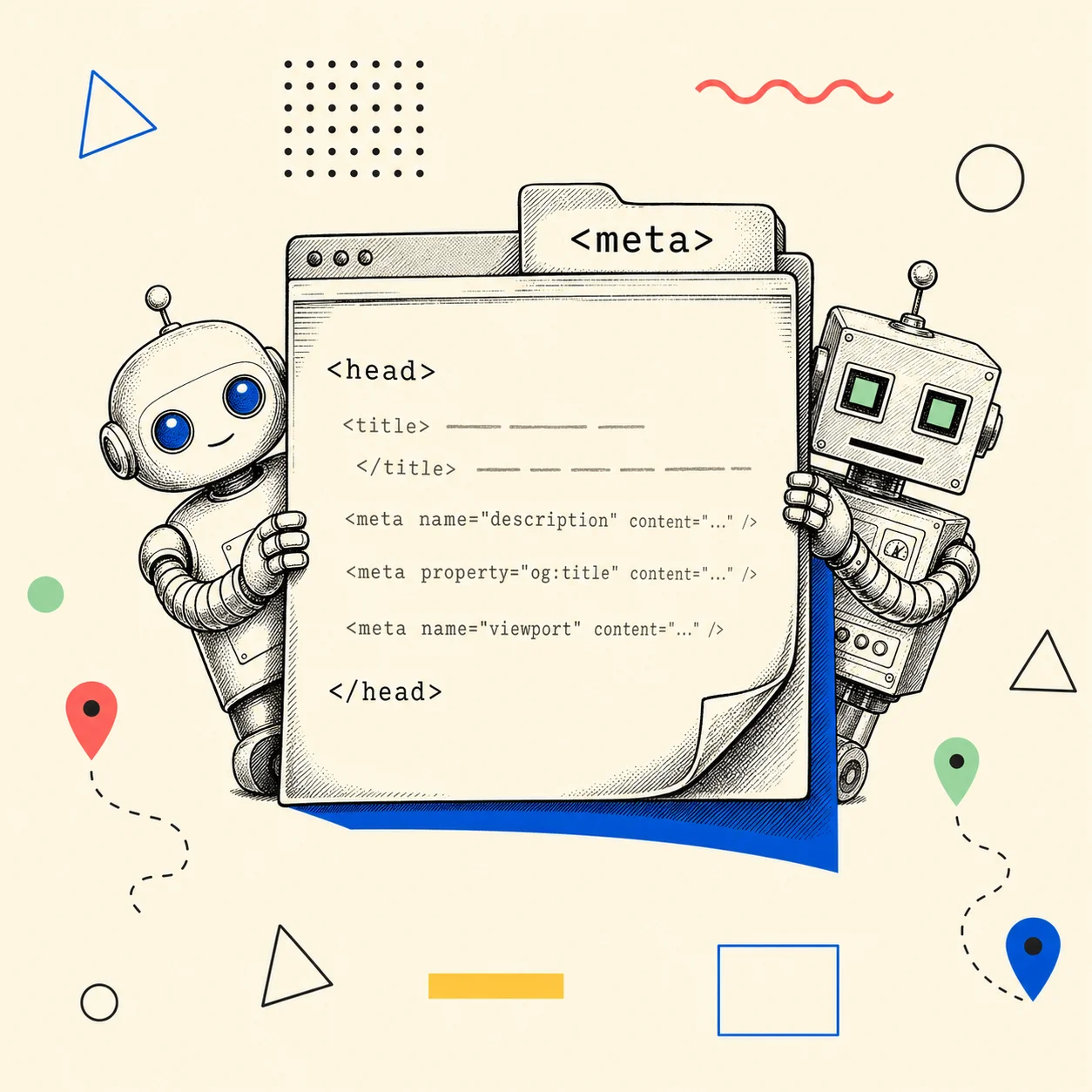
There are two kinds of meta-tag guides. The kind that lists every tag the HTML spec has ever known like a museum catalogue, and the kind that says "just install this plugin." Neither tells you the thing you actually need: which of these tiny lines in your <head> move the needle, and which are cargo cult.
I'm writing this one because I've been burned by my own <head> more than once. A canonical tag that quietly pointed at localhost and de-indexed a page for weeks. Two <title> tags fighting each other across a template, with Google picking the wrong one. So this isn't theory — it's the field manual I wish I'd had.
Here's the short version, then the long one.
Which meta tags actually matter in 2026?
Six earn their place. The rest are noise. Title and meta description (how you show up in search), canonical (which URL wins), robots (whether you're allowed in the index at all), viewport and charset (the boring two that break things when missing), and the social set — Open Graph plus Twitter/X Cards (how your link looks when someone shares it). Meta keywords are dead.
Most of the others are situational at best.
| Tag | What it does | Ranking impact |
|---|---|---|
<title> |
The clickable headline in search results | Direct — confirmed ranking factor |
meta description |
The snippet under the title | Indirect — drives click-through |
link rel="canonical" |
Names the preferred URL among duplicates | Direct — consolidates signals |
meta robots |
Allows or blocks indexing/following | Decisive — noindex removes you entirely |
meta viewport |
Mobile rendering | Indirect — mobile usability |
meta charset |
Character encoding | Breaks text rendering if absent |
Open Graph (og:*) |
Social/link-preview cards | None directly — drives shares + CTR |
Twitter Cards (twitter:*) |
X/Twitter preview format | None directly — drives shares |
meta keywords |
Nothing. | Zero. Ignored since 2009 |
Now the parts worth slowing down on.
Title tags and meta descriptions: the two Google reads first
Your title tag is the single most important on-page string you control, and it's a confirmed Google ranking factor — not a "best practice," an actual one. Keep it under ~60 characters so it doesn't get truncated, lead with the thing people search for, and put the brand at the end where it belongs.
The meta description isn't a ranking factor. It's a sales pitch for the click. Google rewrites it a good chunk of the time anyway, pulling whatever snippet it thinks fits the query — so write it for the times it doesn't, aim for roughly 120–160 characters, and make it earn the click instead of restating the title.
I went deep on the exact character limits, what Google truncates, and why "write for the rewrite" matters in the dedicated piece: title tags and meta descriptions — lengths, limits, and what Google actually shows.
And the failure mode that quietly tanks both: shipping the same title on multiple pages. That's not a style nitpick — it's one of the technical SEO leaks that kills indexing. If a framework or CMS is injecting a default <title> on top of yours, you can end up with two, and the crawler flips a coin. I wrote the whole anatomy of that bug — why duplicate title tags happen and how to fix them.
Canonical tags: the one that bit me hardest
A canonical tag tells search engines "of all the URLs serving this content, this is the real one." Get it right and you consolidate ranking signals onto a single URL. Get it wrong — point it at a staging domain, mix HTTP and HTTPS, leak a localhost — and you can vanish from the index without a single error message to warn you.
I learned that the expensive way. If you want to make sure yours aren't lying to Google, I built a free Canonical URL Checker that catches the exact failures I hit: localhost leaks, protocol mismatches, and tags that disagree with each other.
Meta keywords are dead. Please stop.
Google stopped using the meta keywords tag for ranking in 2009 — they said so on the Google Webmaster Central blog at the time — and no major engine has used it since. If a "SEO checklist" in 2026 still tells you to fill it in, close the tab. It does nothing for ranking and it hands your keyword strategy to anyone who views source. Nothing.
That's the entire section.
Open Graph: how your link looks everywhere that isn't Google
Here's the part most developers skip and then wonder why their links look broken in Slack. Open Graph is the protocol that controls your preview card when a URL gets shared — and it's not a Google thing, it's a social thing. Facebook created it in 2010, and it's now the de facto standard that LinkedIn, Slack, Discord, iMessage, and WhatsApp all read.
Without it, every platform guesses — grabbing a random image off the page, or the wrong heading, or nothing at all. With it, you control the title, the description, and the image. The four that carry the weight:
<meta property="og:title" content="...">
<meta property="og:description" content="...">
<meta property="og:image" content="https://...">  <!-- absolute URL, always -->
<meta property="og:type" content="website">
The full breakdown of each tag, the absolute-URL gotcha, and the ones nobody mentions (og:image:alt, og:image:width) lives here: Open Graph tags explained.
The single tag people get wrong most is og:image. The spec wants a 1.91:1 ratio — 1200×630 pixels is the universal baseline that renders cleanly on Facebook, LinkedIn, and the rest. There's also a "safe zone" nobody warns you about, plus a file-size ceiling that decides whether crawlers even bother rendering your image. All of that: the og:image size guide.
Twitter/X Cards: a thin layer on top of Open Graph
Quick answer to the question everyone asks: you don't need to duplicate everything. X/Twitter's card processor checks for twitter:-specific tags first, and falls back to your Open Graph tags when they're missing. So you implement Open Graph as the foundation, then add a couple of Twitter-specific tags — mainly twitter:card (use summary_large_image for the big preview) and twitter:site for attribution.
When you actually need both, when one is enough, and the handful of features Twitter Cards add that OG can't do: Twitter Cards vs Open Graph.
"I added the tags and the preview still looks wrong"
This is the most maddening one, and it's almost never your tags. It's caching. Facebook and LinkedIn cache your preview the first time a link is shared and won't refresh it until you force them to — so you fix your og:image, re-share, and stare at the old broken card wondering what you did wrong. Nothing.
You did nothing wrong. You just need to bust their cache.
The full troubleshooting flow — the platform debuggers, the absolute-URL requirement, and how to tell whether the problem is your tags or their cache — is here: why your link preview isn't showing and how to fix it.
If you'd rather just see what every platform is reading off your page right now, paste your URL into the Meta Tag Auditor. It pulls your real title, description, Open Graph, and Twitter tags, flags duplicates, and renders the actual share-preview card so you're not guessing.
How to actually ship these (without hand-writing <head>)
If you're on a modern framework, you should not be typing raw <meta> tags into a template. Next.js, for instance, has a Metadata API that generates all of this — title, description, canonical, Open Graph, Twitter — from a typed object, and a generateMetadata function for dynamic pages. Done right, it makes the duplicate-tag bug structurally impossible because there's one source of truth.
I walk through the whole thing — static metadata, dynamic generateMetadata, and dynamic OG images with next/og — in meta tags in Next.js: the App Router Metadata API end-to-end. If you're choosing how your pages render in the first place, that decision interacts with SEO too: ISR, SSG, SSR — which one actually helps SEO.
The 60-second audit
Before you go, here's the checklist I run on any page:
- One
<title>, under 60 chars, keyword-first. (Not two. Check.) - A meta description that sells the click, 120–160 chars.
- A canonical pointing at the real, production, HTTPS URL.
robotsis not accidentally set tonoindex.og:title,og:description,og:image(absolute URL, 1200×630),og:type.twitter:cardset tosummary_large_image.- No
meta keywords. (Still dead.)
Run the Meta Tag Auditor and it checks every one of these in about three seconds. That's the whole point of building it — I got tired of viewing source and counting tags by hand.
Sources (retrieved 2026-06-03):
- The Open Graph protocol — ogp.me (origin, tag definitions, 1.91:1 image ratio)
- Google Webmaster Central Blog, 2009 — "Google does not use the keywords meta tag in web ranking"
- og:image dimensions consensus (1200×630, 1.91:1, file-size guidance) — og-image.org
- Twitter/X Cards fallback to Open Graph — X Developer Platform: Cards getting started